
Can a Virtual Assistant Team Still Work Inside DVMAX?
Yes, and for DVMAX practices the timing matters: IDEXX retired DVMAX support on January 1, 2025. Dedicated veterinary virtual teams keep your front desk, records, invoicing, and refill queues running while you plan the move, and carry the same workflows into ezyVet or IDEXX Neo after it. Flat weekly pricing from $299 per FTE (volume based). Live in 14 days.





What Is DVMAX, and What Changed?
DVMAX is a veterinary practice management system with more than 35 years of history, long popular in general and specialty practices and one of the few PIMS with a strong Mac tradition alongside Windows. IDEXX owned and developed DVMAX in its later years, alongside its other practice systems.
The change every DVMAX practice now lives with: IDEXX retired support for DVMAX on January 1, 2025. The software still runs in many clinics, but it no longer receives updates, support, or new features, and IDEXX points DVMAX practices toward its cloud systems, ezyVet and Neo. That leaves practice owners managing two workloads at once: the normal daily admin, and a migration decision with real deadlines attached. This service is built for exactly that squeeze.
The Work We Staff for DVMAX Practices
Who Is This For?
Practices still running DVMAX after the retirement: the long-tenured clinic whose team knows the software cold and wants to time the move carefully, the specialty or referral practice with years of records that must convert cleanly, and the practice that already picked ezyVet or Neo and needs the desk covered while on-site staff train. If your owner’s to-do list currently says both “answer the phones” and “choose a new PIMS,” this is the pressure valve.
Where Practices Under a Migration Deadline Lose Ground
A schedule with no slack absorbs emergencies by dropping the rest: callbacks, records, and reordering. The backlog lands on tomorrow, which has its own emergencies.
See the fixPet insurance claims and specialist referrals need clean records fast, and a practice preparing to migrate is exactly the practice with no spare hands to compile them.
See the fixEmergency and after-hours calls stack up in voicemail while the day team is already behind. The morning starts an hour in the hole, every day.
See the fixEuthanasia paperwork done in advance lets the team be present for the client instead of the keyboard. It takes staff time nobody has on a short-handed day.
See the fixKeeping the Front Desk Running on DVMAX
Retired software still books real appointments. Our team works your DVMAX schedule the way your best CSR would: booking and rescheduling, confirming tomorrow’s visits, prepping the daily schedule, and answering routine client questions in your practice’s name. The practical benefit during a transition year: your calendar and your client experience stay steady while your on-site staff carry the extra load a migration adds.
Client Communication and Callbacks
DVMAX-era practices often run reminders and callbacks more manually than cloud-native clinics, which makes the daily discipline matter more. We work the reminder lists, call clients for confirmations and recalls, clear the callback backlog every day, and log each touch in the record. Clients notice nothing about your software situation; they notice that the practice calls back the same day.
Record Cleanup Before Migration
The best time to clean a database is before it converts. Our team works through the administrative record hygiene that decades of DVMAX use accumulate: duplicate clients and patients merged, inactive records flagged per your policy, demographics and contact details verified, documents attached to the right charts, and open items resolved or listed for your review. The vendor’s conversion tools do the moving; clean inputs are what make the output trustworthy.
Invoicing and End-of-Day Balancing
Open invoices and unposted payments become much harder to chase after a system change, so the discipline of closing each day matters double right now. We build and review invoices in DVMAX, check that services performed made it onto the bill, post payments, follow up on open balances, and reconcile before close, so you head into any migration with current books instead of a drawer of loose ends.
Refill Queues and Inventory Basics
Refill requests keep arriving by phone and third-party pharmacy fax regardless of your software’s support status. Our team triages each request, verifies the patient and medication, checks visit history against your practice’s VCPR policy, and prepares it for your veterinarian’s approval. On the inventory side we keep counts honest, watch par levels, and prepare purchase orders, so the shelf does not become another casualty of a busy transition year.
Support After the Move to ezyVet or Neo
The same team that carried your DVMAX queues trains on your destination system before go-live, so week one in ezyVet or Neo is covered by people who already know your clients, your protocols, and your veterinarians’ preferences. Post-conversion, we work the verification lists, rebuild reminder cadences, and clear the backlog that every migration leaves behind. Continuity is the whole point of staffing the bridge.
Staff the Bridge From DVMAX to What Comes Next
Your team should not have to run the practice and the migration on the same eight hours. Meet us, pick the seats you need, and watch a trained team carry your daily queues before you commit to anything.
Book Your 2-Week Free TrialHow Our Teams Train and Go Live for Your Practice
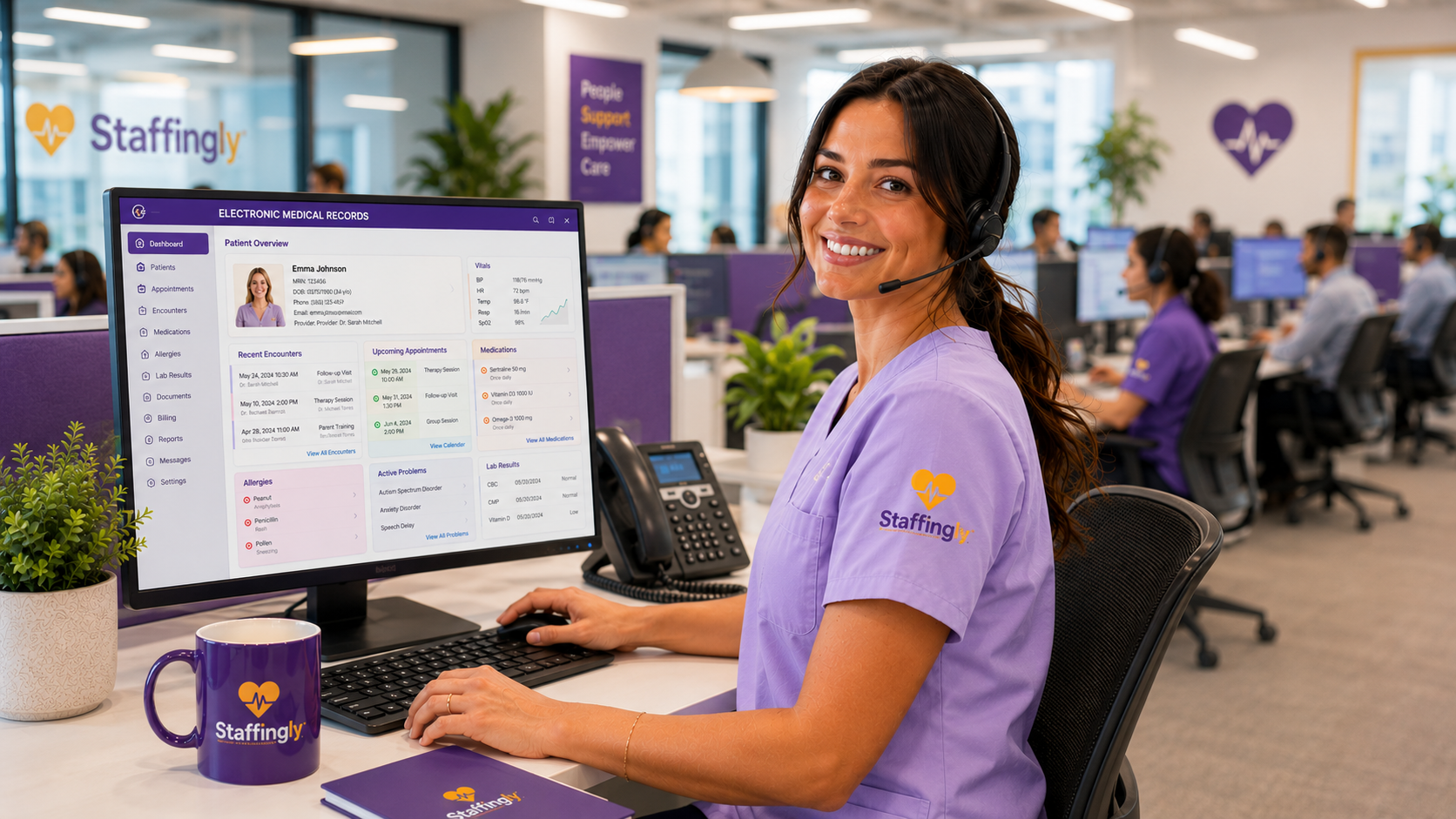
Before anyone touches your system, new team members study our SOP library for veterinary workflows, then train on your own setup in live sessions with your staff: your appointment types, your reminder protocols, your refill policy, your record conventions. For practices planning the move, we train on the destination system as well, so the team is productive from the first week after conversion. Production starts supervised, with daily output review, and you receive a production report every evening in your format. Every specialist works under an individual confidentiality and security agreement with named credentials, never shared logins.
Why Outsource This Work, and Why Staffingly
A dedicated team that carries the phones, records, and billing while your on-site staff plan and execute the move. Migrations fail quietly at the front desk; ours is the desk that does not blink.
A flat weekly fee per dedicated specialist. No per-call charges, no percentage of your collections, and no surprise line items in a year that already has a software project in it.
Recall calls, VCPR-aware refill triage, pet insurance records requests, cycle counts, and purchase orders. This is the work our veterinary service line is built around, not a generic admin script.
Most teams go live in about 14 days. 2-Week Free Trial. A trained backup steps in at no charge. 800+ providers served, with a 4.9 Google rating you can verify on our listing.
Process and Onboarding
20 to 30 minutes on Teams. We map your DVMAX queues, and where you are on the migration decision, before we meet.
Named user credentials per specialist in your current system, least-privilege roles, your approval on every account.
Your SOPs plus our veterinary training library; supervised production from day one.
Daily production reports, weekly KPI review, month-to-month after your 2-Week Free Trial.
Security and Compliance
A practice on retired software should hold its vendors to a higher security bar, not a lower one. Veterinary practices are not covered entities under HIPAA, but we apply the same discipline anyway: HIPAA-trained staff, Business Associate Agreements executed with every client, workflows designed to support HIPAA compliance, SOC 2 Type II attestation, ISO 27001:2022, $5M E&O and cyber liability coverage, and named individual credentials, so you can review our activity in your own system. Read the complete program at HIPAA and Security at Staffingly.
Flat Weekly Pricing Per Dedicated Specialist
1 to 4 dedicated veterinary FTEs.
5 to 9 FTEs.
10+ FTEs.
45 hours of coverage for less than others charge for 40.
$399 per week works out to $8.87 per hour across 2,340 hours of coverage a year, flat. Your dedicated specialist covers a 9 hour day, Monday to Friday, a full hour more than a standard shift: the day starts by clearing what arrived after you closed, overnight voicemails, refill requests, and records requests, and it ends past your close so far less rolls into tomorrow. A trained backup steps in at no charge whenever they are out. Flat weekly fee per dedicated specialist, never a percentage of your collections, no setup fees.
Start with a 2-Week Free Trial. Month-to-month after, with no long-term contract.
- Salary + payroll taxes + benefits
- Recruiting + turnover replacement
- Training on your PIMS + protocols
- Software seat + equipment + PTO coverage
Calculate Savings
DVMAX Support: Frequently Asked Questions
Is DVMAX still supported by IDEXX?
No. IDEXX retired DVMAX support on January 1, 2025, after more than 35 years of the product. The software no longer receives updates, support, or new features, and IDEXX recommends its practices move to ezyVet or Neo.
Can we keep running our practice on DVMAX for now?
That is your call to make with your IT advisor; many practices are running DVMAX while they plan the move. What we provide either way is the admin staffing: the desk, the callbacks, the invoices, and the record cleanup that make both staying and moving easier.
Do you migrate our DVMAX data to the new system?
No. Data conversion is the software vendor’s work. We staff the human side around it: pre-conversion record cleanup, the queues that keep running during the project, and the verification and backlog work after go-live.
Can the same team work in ezyVet or Neo after we move?
Yes. Your team trains on the destination system before go-live and carries the same workflows across, so the people answering your phones in week one after conversion already know your clients and protocols.
What tasks can a virtual assistant do in DVMAX today?
Appointment booking and confirmations, client callbacks and recall calls, administrative record cleanup, invoicing and payment posting, end-of-day balancing, refill queue triage for your veterinarian’s approval, inventory counts, and records requests.
How do your staff access our system?
Through named individual user accounts you approve, with least-privilege roles. No shared logins, and you can review our activity in your own system at any time.
How fast can a dedicated team start?
Most teams go live in about 14 days: access setup, workflow training on your SOPs, then supervised production. The engagement starts with a 2-Week Free Trial.
What does it cost?
A flat weekly fee per dedicated specialist: $399 for 1 to 4 FTEs, $349 for 5 or more, $299 for 10 or more. Never a percentage of your collections, and no setup fees.
Veterinary Resources for DVMAX Practices
Practical answers to the problems veterinary teams bring us most often.

Written By
Dan Nandan has spent 25+ years in IT consulting and healthcare BPO, was among the first in the US to build an RPO/BPO delivery network overseas, and has been featured in Computerworld. He runs the operations and the dedicated virtual teams behind the veterinary workflows on this page.
Connect on LinkedInKeep your practice steady while you decide what follows DVMAX.
Book a strategy meeting. Dan Nandan, CEO, joins most calls personally. Real conversation, real numbers for your practice.
Claim Your 2-Week Free TrialDVMAX, ezyVet, and Neo are trademarks of IDEXX Laboratories, Inc. Staffingly, Inc. is an independent outsourcing company and is not affiliated with or endorsed by IDEXX Laboratories. Staffingly works inside client-owned systems under client-granted access.